



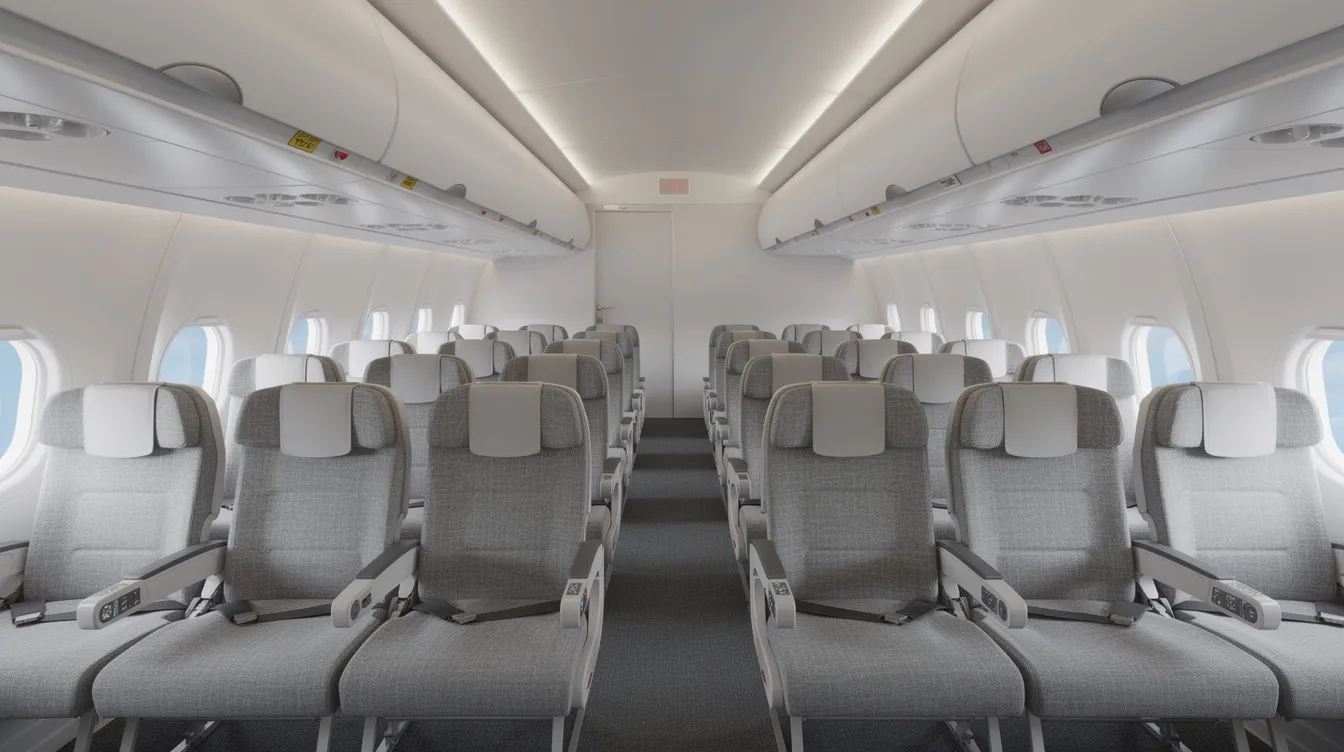
If you ever relied on SeatGuru to find the best seat on your flight, you've probably noticed it's gone. The good news: today's seat map tools are more accurate, more current, and better suited to help nervous flyers plan a calmer journey. Here's everything you need to know.
Quick Answer: What Replaced SeatGuru & How to Pick a Calm, Comfortable Seat Today
SeatGuru's airplane seat map service permanently shut down, and the website now redirects to TripAdvisor. But modern alternatives actually solve the problems SeatGuru couldn't. Travelers today can combine a live seat map tool (showing seat availability right now) with a technical seat map (showing detailed seat maps with layout, dimensions, and amenities) to find a seat that fits their needs.
Real-time seat maps indicate which seats are occupied or available, while static maps show cabin layouts, seat pitch, seat width, and proximity to galleys or lavatories. Here are the standout modern tools:
-
AeroLOPA - highly detailed static layouts based on official airline documents; great for understanding exact seat positions, windows, and noise sources.
-
AwardFares - best for checking live seat availability on any flight; shows which specific seats are free or blocked.
-
SeatMaps.com - broad coverage across 739 airlines with seat reviews and ratings.
-
SeatCompare.ai - AI-driven recommendations that track multiple configurations of the same aircraft.
-
ExpertFlyer - subscription tool with seat alerts, upgrade tracking, and interactive maps.
While these tools help you pick where to sit, SkyGuru helps anxious flyers understand what's happening during the flight itself — turbulence prediction, noise explanations, and flight stage commentary in real time.
Modern seat selection resources include alternatives like AeroLOPA and SeatMaps that are actually more reliable than SeatGuru was during its final years. It's easier now than ever to secure a calm, comfortable seat.
What SeatGuru Was: Color-Coded Seat Maps for Finding the "Best Seat"
SeatGuru launched in October 2001, created by business traveler Matthew Daimler. Over two decades, it helped millions of passengers choose better seats using a simple, visual system that became iconic in the travel world.
What made SeatGuru famous was its traffic-light approach. Color-coded seat maps indicated seat desirability levels: green seats were generally recommended, yellow seats came with warnings, and red seats had notable problems. SeatGuru provided detailed annotations about individual airplane seats — notes about legroom, missing windows, restricted recline, and proximity to lavatories.
It included technical specifications like seat pitch and width, and the platform illustrated proximity of seats to galleys, lavatories, and exits. Users could submit reviews and photographs about specific seats, building a community-driven knowledge base. Frequent flyers and outlets like The Points Guy often linked to SeatGuru when comparing cabin layouts across different airlines.
The typical use case was straightforward: SeatGuru allowed users to search for aircraft by flight number, date, and airline. You'd see a seat map, read reviews, check seat details, and then select seats during booking. For many travelers, it was the first stop before any flight.
Why SeatGuru Stopped Working (and Eventually Shut Down)
Airline fleets became far more complex than SeatGuru could keep up with. New planes entered service constantly. Carriers retrofitted cabins with new business class suites, adjusted economy layouts, and ran multiple configurations for the same aircraft model — for example, American Airlines operates several different 777-200 layouts with completely different seat arrangements.
SeatGuru's static seat maps fell behind. New aircraft layouts weren't added, old ones remained online, and by the early 2020s, the seat info was often unreliable. TripAdvisor, its parent company, stopped meaningful updates well before the final closure. The apps had been removed from iOS and Android by 2020.
SeatGuru shut down in November 2024 after nearly two decades of service, and the domain eventually began redirecting to TripAdvisor. Travelers who had carefully planned seats based on SeatGuru's maps sometimes arrived to find completely different cabin layouts — expecting an older business class but getting new suites, or vice versa.
Modern tools had to solve two issues SeatGuru couldn't: live seat availability that updates in real time, and accurate version-by-version cabin layouts that keep pace with airlines' constant fleet changes.
How Modern Seat Map Tools Work: Live Seat Availability + Technical Seat Details
The best approach today uses a two-step method. First, check a live seat map to see which seats are free or blocked on your specific flight. Then consult a detailed static map to understand the exact layout, features, and potential drawbacks of each seat.
A seat map tool is simply an online diagram showing rows, seat letters, and icons for lavatories, galleys, exits, and in-flight amenities like power outlets or entertainment screens.
Live seat maps show real-time seat availability. Tools like AwardFares query airline reservation systems to display which seats are currently occupied, available, or held for elites. AwardFares shows real-time seat availability for flights, making it invaluable close to departure day.
Technical seat details come from tools like AeroLOPA, which provides detailed aircraft layouts based on official documents called LOPAs — Layout of Passenger Accommodations. Static seat maps detail features like legroom and window alignment, along with recline, bassinets, and galley positions.
Here's a concrete example: suppose you're flying New York to London on a Boeing 777-300ER. AwardFares shows several seats near the wing are open. AeroLOPA confirms that row 15 has a bulkhead with extra legroom but a misaligned window in seat E and a galley two rows ahead. By combining both, you make a genuinely informed seat selection.
Understanding Seat Maps & Aircraft Types Without SeatGuru
Seat maps are diagrams of the cabin showing every row, seat letter, exit, and service area. Aircraft type codes like 77W (Boeing 777-300ER) or 789 (Boeing 787-9) tell you which plane model and configuration to expect.
Here's what catches many travelers off guard: different airlines can have multiple layouts on the same aircraft type. United's 777-200, for instance, has older angled business class seats on some planes and newer Polaris suites on others. Qatar Airways flies 777s both with and without their renowned Qsuite. SeatCompare.ai tracks multiple configurations of the same aircraft, helping you avoid the "version lottery."
Modern tools match seat maps to your flight details — airline, route, and date — to identify the most likely cabin version for your actual plane. AeroLOPA provides detailed aircraft layouts from official airline documents and lets you switch between variants.
A simple workflow for readers:
-
Look up your flight on your airline's website and note the aircraft type.
-
Check the date and flight number.
-
Plug those into a seat map site like AeroLOPA or SeatMaps.com to confirm the configuration.
-
Cross-check with the airline's "Manage Booking" page closer to departure.
Knowing your aircraft type and layout helps anxious flyers feel less uncertain. Everything is mapped out before you board.
The Best Seat Map Tools After SeatGuru (and What Each Does Best)
Think of this as your buyer's guide to the best SeatGuru alternative options available today. Each tool has a strength, and the best choice depends on what you need most.
AeroLOPA provides detailed seat maps based on official airline diagrams. It focuses on wide-body aircraft and shows seat positions, window alignment, bassinets, galleys, and lavatories with impressive accuracy. AeroLOPA shows seat pitch, width, and recline for each seat, and it provides seat ratings based on legroom and proximity to lavatories. The app works offline, which is useful when you're already at the airport. It does not show live seat availability.
AwardFares is the strongest option for live seat availability. AwardFares offers live seat availability for any flight, showing how full your cabin is, which seats are open, and whether someone is seated next to you. It also tracks award availability for points-based bookings.
SeatMaps.com offers the broadest coverage. SeatMaps.com covers 739 airlines and over 3,240 aircraft configurations. SeatMaps offers user ratings and reviews for specific airline seats, making it the closest experience to the old SeatGuru model where you could read reviews and compare different flights on different airlines.
ExpertFlyer is a subscription tool built for frequent flyers. ExpertFlyer offers interactive seat maps for various airlines and includes seat alerts — notifications when a window or extra legroom seat opens up. ExpertFlyer warns users about poor seat choices based on reviews, and it tracks upgrade opportunities and schedule changes.
SeatCompare.ai uses AI to recommend the best seats for flights. It factors in aircraft changes and cabin configuration differences. SeatCompare.ai alerts users about aircraft swaps and seat quality, which is especially useful when airlines frequently rotate plane versions on the same route.
Seat ratings assess overall seat quality based on multiple factors, and seat ratings help travelers avoid seats with known issues. Other secondary options include SeatMaestro, SeatLink, and FlightSeatmap.com — useful as a backup when main tools disagree on a particular seat or layout.
The best SeatGuru alternative approach is combining two of these tools: one for live data, one for layout detail.
How to Choose the Best Seat for Comfort (and Lower Anxiety)
The "best seat" means different things for different travelers. Some want legroom. Others want quiet. Nervous flyers often prioritize calm and predictability above all else.
Here's what to look for on a seat map:
-
Seats near the wings feel less vertical movement during turbulence.
-
Seats away from galleys and lavatories are quieter, with less foot traffic.
-
Avoiding the very last rows reduces engine noise and bump sensations.
-
Exit row seats offer more legroom but may not recline — a trade-off worth considering.
Watch for specific seat map clues: icons showing bassinet positions, crew rest areas, and service galleys. Anxious flyers may prefer sitting a few rows away from these high-activity zones.
Strategies by goal:
-
Extra legroom: exit rows, bulkhead seats, or premium economy.
-
Privacy: window seats in 1-2-1 business class layouts.
-
Easy movement: aisle seats near the front for faster boarding and deplaning.
Combining seat details from a map with your own triggers — tight spaces, noise sensitivity, needing to stand up — is far more effective than following generic "best seat" lists.
Best Seats for Nervous Flyers: Reducing Turbulence & Noise Sensations
Many people with a fear of flying feel most anxious during turbulence and unfamiliar noises. Seat choice can gently reduce how intense those sensations feel.
General guidance for calmer flying:
-
Sit near the center of the aircraft, by the wings. This is where up-and-down motion is minimized.
-
Choose a window seat if seeing the horizon and wing is soothing. Choose an aisle seat if the ability to stand and move matters more.
-
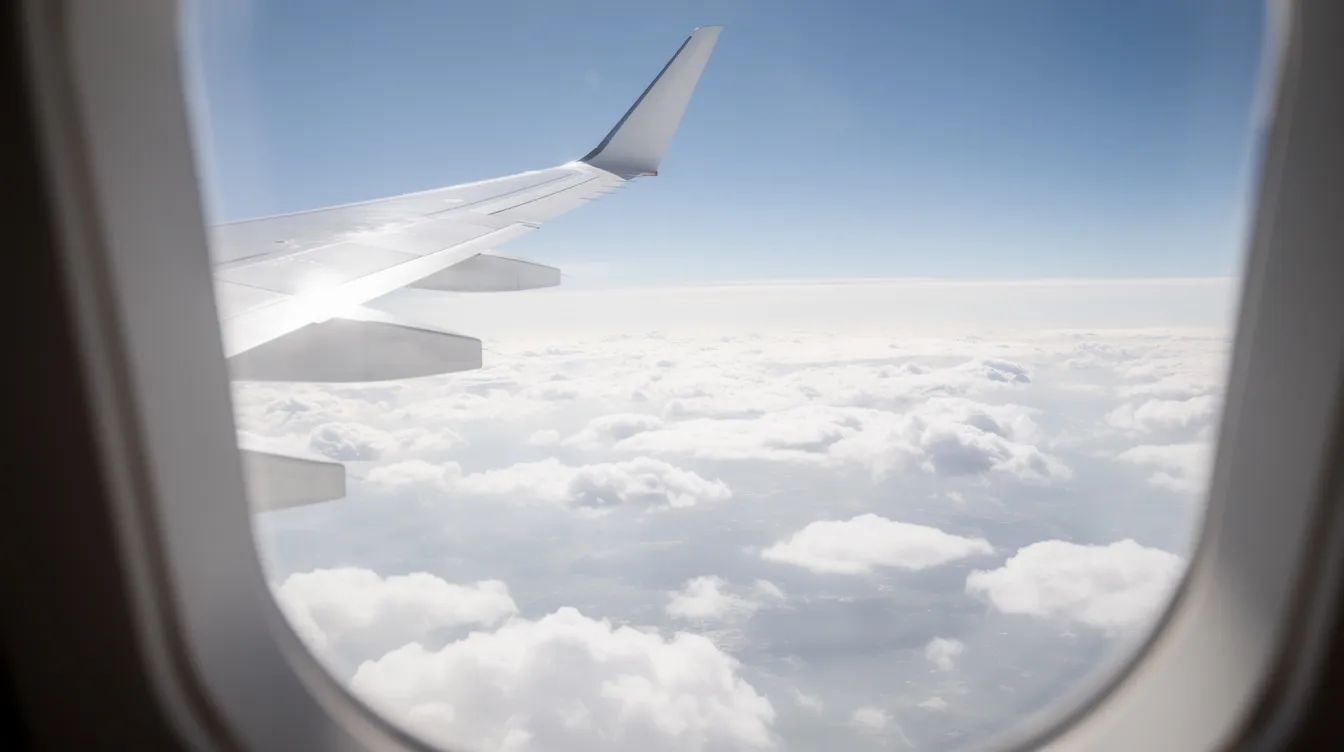
Turbulence is safe, but it feels noticeably worse at the back of the plane. Use the seat map to identify rows closer to the wing or slightly ahead.
For noise reduction, the front of wide-body aircraft tends to be quieter than the rear. Avoid seats directly adjacent to galleys, lavatories, and crew jump seats to minimize sudden sounds.
A practical mini-checklist when viewing any seat map:
-
How far is my seat from the engines?
-
Is there a galley or lavatory nearby?
-
Am I near a wing for reduced motion?
-
Does the seat back onto a bulkhead or galley wall?
-
Can I access the aisle easily if I need to stand?
Pairing a smart seat choice with an app like SkyGuru — which explains each phase of flight and predicts turbulence — can substantially reduce anxiety, even when bumps occur. Many nervous flyers find that SkyGuru’s real-time turbulence explanations and flight commentary turn confusing sensations into something understandable and manageable.
How Airline Seat Maps Differ by Carrier: Examples from Major Airlines
Different airlines use very different cabin layouts even on the same aircraft type. Understanding seat maps for specific carriers is essential before picking a seat.
Take American Airlines as an example. They operate multiple 777 and 787 configurations — some with newer business class suites, others with older angled seats. Checking the aircraft type and version before your flight number search is the difference between a great choice and a disappointing surprise.
Carriers like Qatar Airways, Emirates, and Singapore Airlines have flagship premium products — Qsuite, enclosed suites, and first-class apartments — that appear very differently on seat maps. A seat that looks identical in row number might be a completely different experience depending on which version of the plane you board.
Low-cost airlines and high-density layouts - certain A321neo or 737 MAX configurations, for example — may cram more seats into the same space, reducing legroom and recline compared with legacy carriers. Statement credits or loyalty perks might help offset paid seat selection on these airlines.
Always cross-check seat maps from an independent website with the airline's own booking or manage-trip page. This confirms you're seeing the current version for your flight, not an outdated configuration.
From Seat Map to Boarding: A Step-by-Step Seat Selection Plan
Here's a practical plan for moving from choosing a route to sitting in a thoughtfully chosen seat. This is especially helpful if flying makes you anxious.
Step 1: Choose flight times and airlines. Note the aircraft type from the booking engine — for example, Airbus A350-900 or Boeing 787-9. This is your starting position.
Step 2: Open a seat map site like AeroLOPA or SeatMaps.com. Review the cabin layout, identify the best seats and worst seats, and notice potential drawbacks like proximity to galleys, missing windows, or limited recline.
Step 3: Use a live seat map tool (AwardFares, ExpertFlyer, or the airline's website) to check current seat availability. See how full the flight looks and whether your preferred seats are still open.
Step 4: Reserve your seat via the airline's site or app. Set seat alerts where available — especially for long-haul or popular routes where a better seat might open as passengers change plans.
Step 5: Before departure, re-check your booking in case of an aircraft type change. Confirm your seat still matches the desired layout. If not, revisit the seat maps and adjust. Compare what you see with what you originally planned.
Once your seat is chosen, install SkyGuru and add your flight details. On the day of travel, you'll get calm explanations of every flight stage and turbulence forecasts tailored to your route — so both your seat and your experience feel predictable.
How Seat Maps Help Reduce Flight Anxiety (Psychology of Predictability)
Fear of flying often stems from uncertainty — "What's going to happen next?" Seat maps make at least one part of the journey predictable, and that matters more than most people realize.
Seeing the exact location of exits, lavatories, wings, and your own seat helps the brain feel oriented. Research shows that people prefer predictable stimuli over unpredictable ones, even negative stimuli, and report less anxiety when they can anticipate what's coming. This sense of control lowers anxiety before and during the flight.
Visualizing the cabin lets nervous flyers plan small coping strategies: identifying where to stand and stretch, which side has less foot traffic on the right-hand side versus left, and where the nearest lavatory is without having to search mid-flight.
When passengers understand the layout plus the phases of flight, turbulence patterns, and noises — with guidance from tools like SkyGuru — nervousness usually drops considerably. Treat seat selection as part of your anxiety-management routine, just as you might plan breathing exercises or a calming playlist.
Using SkyGuru with Modern Seat Map Tools for a Calmer Flight
Seat map tools help you choose where you sit. SkyGuru helps you understand what you feel and hear in that seat from takeoff to landing. Together, they cover both the planning and the experience.
A typical workflow: first, pick a quieter, more stable seat using AeroLOPA plus a live seat map. Then enter your flight details into SkyGuru to receive turbulence forecasts and phase-of-flight commentary. The app is inspired by pilot knowledge, translating what aviators understand into language that helps passengers feel calm.
SkyGuru features relevant to seat choice include notifications before expected turbulence, explanations of noises near wings or landing gear, and reassurance about normal sensations across all the features of different aircraft types. Whether you're a first-time flyer choosing a window near the wing or a frequent anxious traveler on new planes, the app's real-time explanations build familiarity flight after flight.
Understanding what's happening during a flight can make travel feel far less stressful. Download SkyGuru before your next trip, once you've selected your seat, so both your position in the cabin and your in-flight experience feel predictable and manageable.
FAQ: Common Questions About SeatGuru, Seat Maps & Nervous Flying
Is SeatGuru still working?
No. SeatGuru officially shut down,n and the website now redirects to TripAdvisor. Before closure, its apps had been removed, and content had stopped being updated. The SeatGuru shutdown notice confirmed that travelers must use modern alternatives. SeatGuru is not coming back — the site has been permanently shut down.
What is the best SeatGuru alternative?
The best alternatives combine two tools. Use one for live seat availability — such as AwardFares, ExpertFlyer, or your airline's website—and one for technical seat details, such as AeroLOPA (which provides detailed aircraft layouts and seat specifications) or SeatMaps.com (which covers over 3,240 aircraft configurations across major airlines). This two-tool approach gives you better accuracy than SeatGuru ever offered.
Where should I sit if I'm afraid of turbulence?
Choose seats near the center of gravity — typically over the wings or just ahead of them, mid-cabin. This reduces the up-and-down motion that feels most unsettling. A window seat helps if visual cues are soothing; an aisle seat helps if you need to stand or stretch. Avoid the rear cabin. Turbulence is uncomfortable but not dangerous — it's a normal part of how aircraft fly through the world's atmosphere.
How do I know my seat map is accurate if the plane changes?
Use tools that flag aircraft type swaps. SeatCompare.ai alerts users about aircraft swaps and seat quality changes. ExpertFlyer sends aircraft-change alerts. Always re-check your seat map in "Manage Booking" closer to departure. Terms apply — airlines reserve the right to change equipment, so monitoring is essential.
Can an app really help with fear of flying?
Yes. Research suggests that approximately 7–40% of people in industrialized nations experience some fear of flying, and much of that fear comes from uncertainty. Tools that explain what passengers feel and hear — like SkyGuru's real-time flight commentary — reduce that uncertainty and help the nervous system settle. Articles exploring how an app can help you overcome fear of flying underline that predictable, guided experiences on each flight are often the turning point for anxious travelers. Understanding flight details, aircraft behavior, and turbulence patterns transforms the unknown into something predictable. And predictability is one of the most powerful tools against anxiety.
Conclusion: Finding Calm in Your Seat Choice and Flight Experience
Choosing the right seat is more than just comfort—it's about creating a sense of control and calm that can ease anxiety and fear of flying. While SeatGuru was once the go-to resource, today's modern tools like AeroLOPA, AwardFares, and SeatCompare.ai provide more accurate, up-to-date information, combining live seat availability with detailed aircraft layouts and seat dimensions.
For nervous flyers, understanding the cabin layout, seat position, and what to expect during the flight reduces uncertainty and builds confidence. Pairing smart seat selection with real-time flight insights from apps like SkyGuru turns the unknown into something familiar and manageable.
Flying becomes less intimidating when you understand what’s happening around you. Knowing why turbulence occurs, why aircraft make certain sounds, and what sensations are normal can transform uncertainty into confidence. With the right seat and the right knowledge, your next flight can feel calmer, safer, and more comfortable. Learn more about fear of flying, explore detailed guides on turbulence explained, discover nervous flyer tips, and get practical flying comfort tips to help you prepare for your journey.
FLEET SELECTION
JET CARDS
COST ANALYSIS


How to Auditing Your Operator's Maintenance Logs
Oct 05, 2025

How to Auditing Your Operator's Maintenance Logs
Oct 05, 2025

How to Auditing Your Operator's Maintenance Logs
Oct 05, 2025
Sky Guru Weekly
The smartest private aviation intelligence in your inbox.
.svg)

