



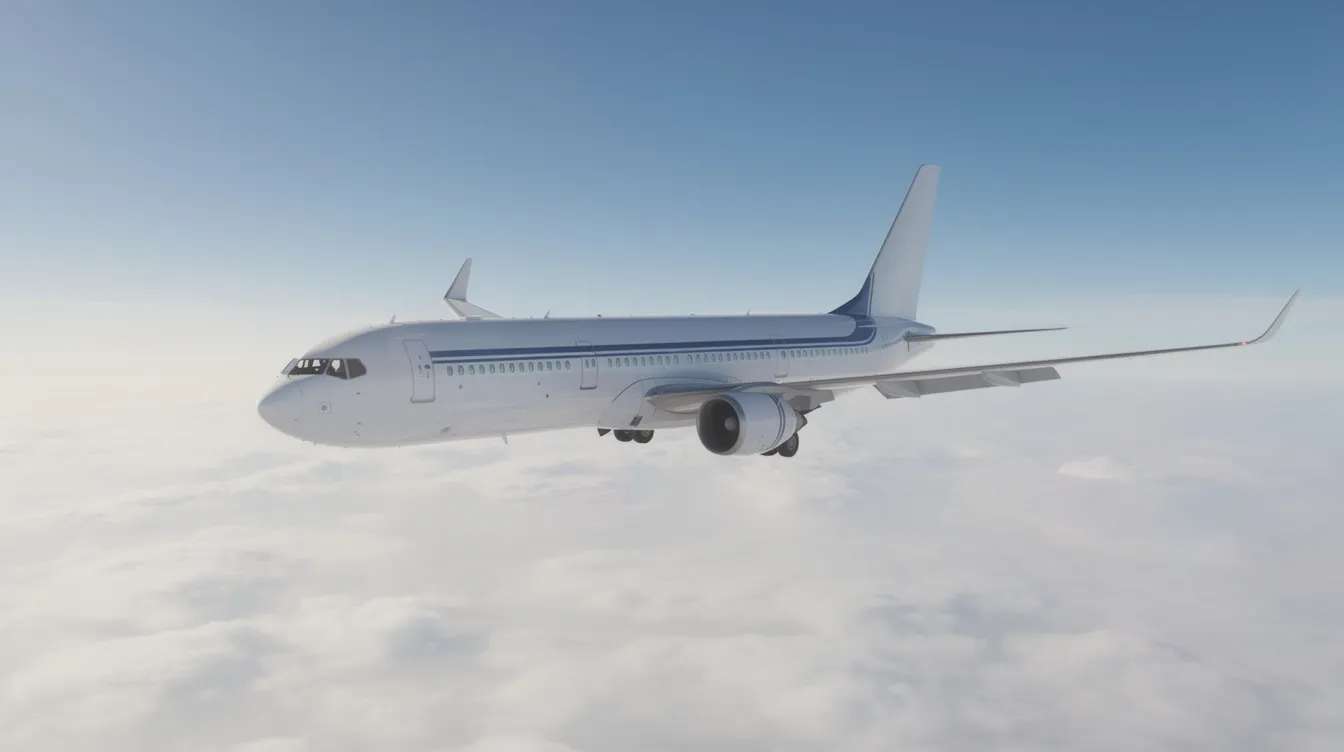
The most accurate flight tracker is the one that does more than show your plane’s location: it also predicts delays, gate changes, and arrival times before official notifications, explains what those updates mean in real time, and helps you stay calm in the air—something apps like SkyGuru are built to do. Finding that level of accuracy can feel overwhelming when dozens of apps promise precision, especially if you are a nervous flyer, a first-time traveler, or even a frequent flyer who still feels anxious before takeoff.
In the context of flight tracking, accuracy can be defined in several ways. Position accuracy measures how closely the displayed aircraft position matches the aircraft’s true location. True accuracy means real-time or near-real-time position updates, minimizing latency in speed, altitude, and ETA calculations. The accuracy of flight tracking services is determined by data source diversity, update latency, global coverage, and predictive analytics integration.
This guide breaks down what flight-tracker accuracy actually depends on, from data sources like ADS-B and radar to live flight status updates, delay prediction, gate-change alerts, and turbulence forecasting. It also compares the leading flight tracking apps, including SkyGuru, looks at privacy considerations, and shows how the right app can turn raw flight data into clear, reassuring insight that helps you feel more informed and less stressed throughout your trip.
What Is the Most Accurate Flight Tracker Right Now?
When people search for the most accurate flight tracker app, they usually picture a detailed map showing exactly where their plane is. That matters, but it is only one piece of the puzzle.
Accuracy really means: how early and correctly does an app predict delays, gate changes, and arrival times? Can it tell you about a problem before the airline posts it on the departure board? Does it give you a realistic estimated time of arrival, or just repeat the original schedule?
Position accuracy measures how closely the displayed aircraft position matches the aircraft’s true location. True accuracy means real-time or near-real-time position updates, minimizing latency in speed, altitude, and ETA calculations. The accuracy of flight tracking services is determined by data source diversity, update latency, global coverage, and predictive analytics integration. Leading tools like FlightAware, Flighty, Flightradar24, and major airline apps all tap into overlapping aviation data. The difference lies in how fast they process that data and how clearly they present it to you.
For anxious flyers, though, the best flight tracker is the one that combines precise flight information with clear explanations that reduce fear—not just raw numbers on a screen. That is where SkyGuru takes a different approach. Rather than tracking every aircraft on Earth, SkyGuru focuses on your specific flight, using aviation data plus psychology to explain what is happening and why you feel it.
How Flight Trackers Get Their Data: ADS‑B, Radars, and More
Before diving into the data sources, it’s important to clarify what “accuracy” means in flight tracking. Position accuracy measures how closely the displayed aircraft position matches the aircraft’s true location. True accuracy means real-time or near-real-time position updates, minimizing latency in speed, altitude, and ETA calculations.
Key Data Sources
Every flight tracker app starts with the same basic question: where is this aircraft right now? The answer comes from several overlapping data types.
ADS-B (Automatic Dependent Surveillance-Broadcast) is a system where aircraft broadcast their GPS-derived position, altitude, speed, and heading directly to ground stations or satellites. ADS-B is generally the highest-quality public tracking source because it comes straight from the plane itself. Some systems update every few seconds in areas with strong ADS-B coverage, while satellite or remote tracking may update less frequently.
ADS-B Exchange is a global network of volunteer-operated receivers that share raw ADS-B data openly. This provides very granular coverage in populated areas. High-accuracy platforms ingest raw signals from terrestrial Automatic Dependent Surveillance-Broadcast receivers, satellite-based ADS-B networks, radar, and direct airline or air traffic control feeds.
Supplementary Data Feeds
Beyond ADS-B, trackers pull from:
-
Airline operational feeds (schedules, gate changes, delay information)
-
Air traffic control data from agencies like the FAA and Eurocontrol
-
Airport departure and arrival boards
-
Weather services and turbulence forecasting models
-
Historical data archives covering millions of past flights
The strongest services combine a variety of data sources including ADS-B receivers, MLAT, satellite ADS-B, government aviation data, airline operational data, and radar feeds. Combining sources reduces gaps and improves reliability in flight tracking information.
Coverage Limitations
A service's accuracy can drop if it loses an aircraft over remote regions, deserts, or oceans. Satellite-based tracking improves coverage over oceans and remote regions where ground receivers are unavailable. Quality services maintain seamless tracking across land, remote regions, and oceanic airspace via space-based receivers where traditional ground radar fails.
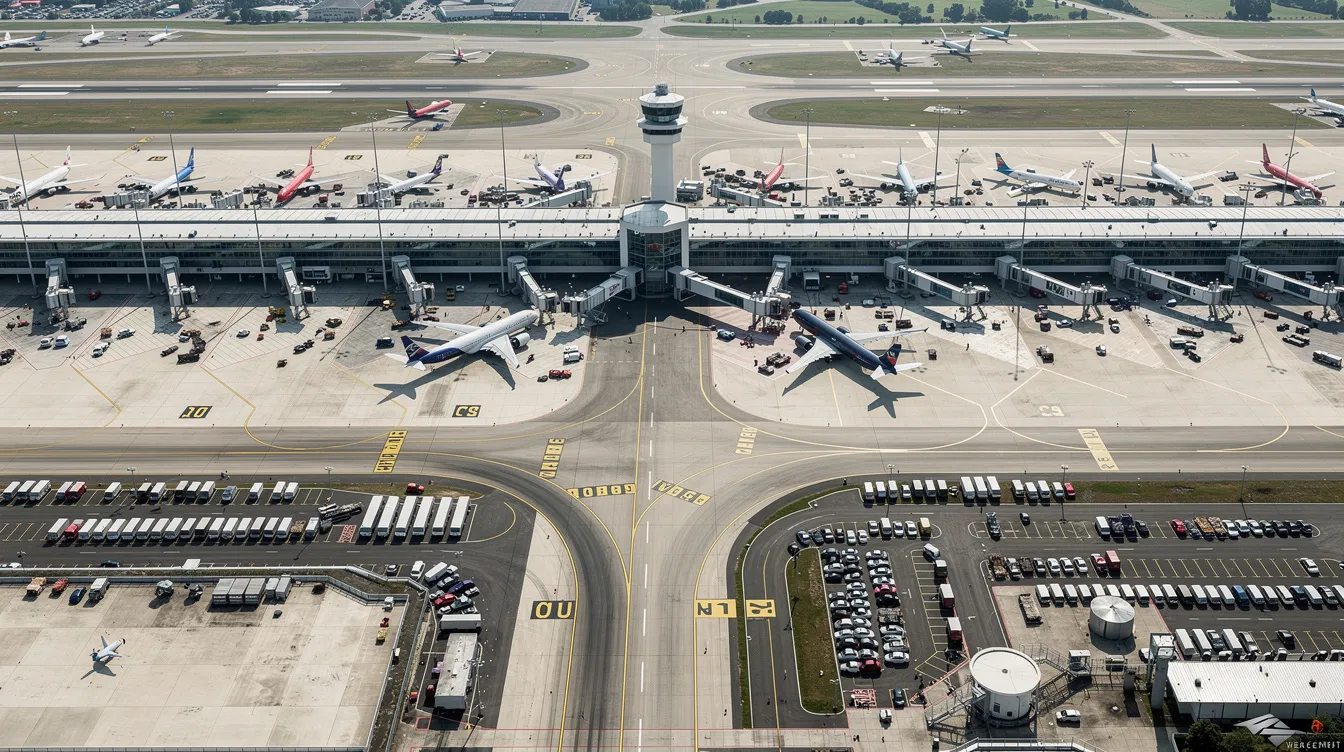
What Makes a Flight Tracker "Accurate" for Real Travelers?
Most travelers do not care whether their plane is at 37,000 or 37,200 feet. What they actually want to know is: will this flight be late, and by how much?
What Passengers Care About
-
Early, reliable delay predictions
-
Advance notice of gate changes
-
Realistic arrival estimates factoring in taxi times, congestion, and weather
-
Baggage claim and diversion alerts
-
Runway usage and holding pattern notifications
True accuracy means real-time or near-real-time position updates, minimizing latency in speed, altitude, and ETA calculations. The best flight tracking services provide reliable estimated arrival times and minimize delays between the aircraft's actual movement and the displayed position.
The Role of Historical Data and Machine Learning
Historical data plays a major role here. Apps study millions of past flights to predict how busy airports like JFK, LAX, or Heathrow behave at certain times. FlightStats provides historical on-time performance data for flights, and FlightStats provides historical on-time performance for any flight number, helping travelers set realistic expectations. One study using U.S. domestic flights achieved roughly 82% accuracy in predicting whether a flight would be delayed by at least 15 minutes, using historical and weather features in a Random Forest model.
Machine learning helps apps spot patterns in weather, congestion, and airline behavior that simple schedules miss. There is also a meaningful difference between "official schedule" estimates and "behavioral predictions"—knowing that a specific carrier often departs late on Monday mornings is more useful than just reading the posted time.
For nervous flyers, emotional accuracy matters too. Explaining what each stage of flight feels like—why engines get quieter, why the plane banks—prevents panic far better than a number on a screen. Our blog on apps that help with fear of flying explores how technology can support people whose anxiety impacts their personal and professional lives.
Top Flight Tracker Apps Compared: Data Accuracy Overview
No single app is perfect for every traveler. Here is a neutral look at how the leading options handle flight details and flight status, so you can decide what fits your needs.
FlightAware
FlightAware is one of the most trusted names in flight tracking. It pulls from over 30,000 terrestrial ADS-B receivers, satellite ADS-B via Aireon, and air navigation service providers in 45 countries. FlightAware tracks inbound aircraft for better delay predictions, and it flags delays 30 minutes before airlines notify passengers. Paid tiers like Aviator and Aviator+ add weather overlays and faster refresh rates. It is a popular flight tracker among pilots, aviation fans, and logistics professionals.
Flighty
Flighty is an iOS-focused flight tracking app built for frequent travelers. Flighty provides delay alerts 2–90 minutes faster than airlines and offers delay predictions based on machine learning data. Flighty tracks flights up to 25 hours before departure and can alert users about cancellations 24–48 hours in advance. It also alerts users about weather or traffic affecting flights. Flighty predicts arrival and departure gates before assignment, and historical flight playback is available up to 365 days back. Flighty allows historical flight input limited to the past 365 days. The Flighty Friends feature allows sharing connection statuses with travel companions, and the Flighty Passport maps your personal flight history. It integrates tightly with Apple Watch and live activities on iOS.
Flightradar24
Flightradar24 offers live tracking of various aircraft types with a visually polished detailed map, rich aircraft details including tail number and aircraft type, and high-resolution photos of planes. Other apps—airline apps, Google flight status, airport websites—give you official schedule data and gate info but typically update slower and lack depth in delay predictions.
SkyGuru
Where all these tools share a limitation is emotional context. They tell you where the plane is, but they do little to explain sensations, noises, or turbulence to nervous flyers. That is where SkyGuru fills a gap: it is less about spotting every aircraft on earth and more about deeply explaining your specific flight. You can explore how it compares to other options in our guide to the best flight apps for nervous flyers.
Why Nervous Flyers Need More Than a Map
If you have ever sat in your seat refreshing a flight radar screen every thirty seconds, watching the tiny airplane icon inch forward, you know the feeling. The map shows you are moving. But it does not tell you why the engine sound just changed. It does not explain the bump you felt. And it certainly does not tell you whether the turn you are making is normal or something to worry about.
Traditional flight tracking focuses on where the aircraft is—latitude, longitude, altitude. It does not focus on what you are feeling right now and whether it is safe. Common triggers for anxious flyers include turbulence, engine power changes, the clunk of landing gear extending, banking turns, and holding patterns before landing. None of these appear on a standard flight tracker.
The most accurate flight tracking app for anxiety is the one that interprets data into reassurance. "This bump is normal. Here is why it is happening now." SkyGuru was built specifically to fill this gap—combining live flight insights with explanations designed for people who experience fear of flying. As an app designed to reduce in‑flight anxiety with real‑time explanations, it turns raw tracking into a guided experience.

Inside SkyGuru: How Our Flight Tracker Calms Fear in Real Time
Think of SkyGuru as a pilot and therapist in your pocket, focused entirely on your specific flight. It is a must-have app for travelers who want to understand what is happening around them in the cabin.
The app provides real-time flight status, a route and altitude overview, and turbulence forecasts along your path. It detects which phase of flight you are in—takeoff, climb, cruise, descent, landing—using your phone's built-in sensors like the accelerometer and barometer. This sensor-based detection works even with limited connectivity, which matters when Wi-Fi drops at 35,000 feet.
SkyGuru uses aviation weather data, including professional meteorological charts and turbulence models, to forecast rough patches before you reach them. You can learn more about its full feature set on the SkyGuru FAQ page.
The commentary system is what sets it apart. Short, calming messages explain what you hear and feel in everyday language. "Engines getting quieter—this is normal during climb as the pilot reduces thrust." "That clunking sound is landing gear retracting." "The aircraft is turning toward the final approach path." This turns raw flight tracking into step-by-step guidance that many fearful flyers find more helpful than watching a dot creep across a map. With over 50 specialized tools, SkyGuru addresses everything from real-time updates on your flight to breathing exercises during turbulence.
SkyGuru also helps with fear of flying by explaining what causes flight anxiety and offering practical coping strategies. Its turbulence forecasts are based on the latest turbulence explained research, helping you know what to expect and feel more in control.
For a deeper understanding of how to prepare for your journey, check out our flight preparation tips to make your travel experience as smooth as possible.
How SkyGuru Uses Data, Historical Patterns, and Machine Learning
SkyGuru relies on the same professional-grade, pilot-grade data sources used by airlines and flight crews—then adds its own interpretive logic and models on top.
The app blends historical data about specific routes and aircraft types, live meteorological charts, and known turbulence patterns over regions like the Rocky Mountains, the Alps, and intertropical convergence zones. The FAA's Graphical Turbulence Guidance system updates roughly every five minutes over the United States with a spatial resolution of about 13 kilometers. SkyGuru taps similar professional-grade weather and turbulence forecasting sources to show you what lies ahead on your route.
Machine learning helps refine turbulence probability and timing. As more flights are analyzed over months and years, predictions improve through performance improvements in the underlying models. Predictions are always framed conservatively. The goal is safety and emotional comfort, not sensationalism. Even when forecasts show moderate turbulence, modern aircraft are built with wide safety margins—designed to handle forces far beyond what passengers ever feel. Crews train precisely for these conditions.
Key Features to Look For in the Best Flight Tracking App for Anxiety
Choosing the best flight tracking app depends on your personal needs. If flying makes you nervous, here is a practical checklist.
Accuracy and awareness features:
-
Real-time flight status with proactive delay alerts
-
Clear estimated time of arrival that updates with actual conditions
-
Inbound aircraft tracking to know if your plane is arriving late
-
Airport gate information and push notifications for gate changes
-
Connection Assistant tools with personalized step-by-step guides and typical connection times based on historical patterns
Emotional support features:
-
Explanations of flight stages in simple language
-
Turbulence prediction along your specific route
-
Offline guidance for when Wi-Fi drops
-
Breathing exercises and grounding techniques
Privacy considerations:
-
Review what data types the app collects
-
Prefer apps focused on flight analytics, not advertising profiles
Combining a standard live flight tracker (for sharing flight info with friends and family) with SkyGuru (for personal in-cabin guidance) gives you both broad situational awareness and calm, focused support. Our blog on overcoming fear of flying with app support explains how this kind of tool can make travel less stressful for the many people affected by flight anxiety. For a deeper comparison, see our full guide to flight apps for nervous flyers and travel planning.
Comparing Live Tracking vs. In‑Flight Guidance
There is an important difference between watching a live air traffic map and receiving in-flight guidance. One shows you data. The other tells you a story.
Imagine an overnight flight from New York to London. Somewhere over the North Atlantic, you hit forecasted turbulence from the jet stream. The plane shakes. Your flight tracker app shows altitude fluctuations and a slight speed change. Then, approaching Heathrow, air traffic control puts your aircraft into a holding pattern. The map shows circles. The delay counter ticks up.
A traditional flight tracker would display all of this as numbers and movement. SkyGuru would explain: "You are crossing the jet stream. Turbulence here is expected and well within safe limits. The crew adjusted speed for comfort. You are now in a holding pattern because of heavy morning traffic at Heathrow. Expect descent to begin in about 12 minutes." That narrative structure—understanding the story behind the data—is often more important for fear-of-flying than watching live dots move on a map.

How to Use a Flight Tracker App to Reduce, Not Increase, Anxiety
Here is something worth admitting: constantly refreshing a flight tracker can sometimes make anxiety worse. If you do not know how to interpret the changes you see—a small altitude drop, a speed adjustment, a route deviation—each one can feel like a crisis.
Before Your Flight
-
Check your route and expected weather once or twice the day before
-
Use the free version of a tracker to review your flight number and departure status
-
Avoid obsessively monitoring small schedule adjustments—they are usually routine
-
Review your account and trips in SkyGuru so data downloads before you board
During Your Flight
-
Glance at tracking only every 20–30 minutes, not every 30 seconds
-
Use the information to anchor yourself: "We are halfway through cruise. The turbulence corridor is behind us."
-
Let SkyGuru's perfectly timed notifications translate technical events into reassuring, everyday language
-
Return to calming activities between checks—reading, music, breathing exercises
Do
-
Pair flight data with simple breathing or grounding techniques when anxiety rises
-
Trust that alerts from well-designed apps are informative, not alarming
Don't
-
Stare at altitude or speed numbers continuously
-
Interpret every small change as a sign of danger
-
Use other apps that send excessive or vague alerts without context
Privacy, Data, and Trust in Flight Tracking Apps
Many flight tracking apps collect more personal data than you might expect. On platforms like the App Store, you will see labels for "Data Used to Track You" (information shared with advertisers or data brokers) and "Data Linked to You" (data connected to your identity for analytics or personalization).
For anxious travelers, knowing what data an app collects matters. Location permissions running constantly, advertising trackers, and behavioral profiling can feel intrusive—especially when you are already on edge.
Review the privacy policy of any flight radar or flight tracking app you install. Look for whether data is shared with third parties and how it is used.
SkyGuru focuses on flight analytics and emotional support, not building detailed advertising profiles. Limiting unnecessary tracking can make using these tools feel safer and more respectful of your mental health. The app prioritizes being the only app you need for in-flight reassurance without compromising your privacy.
When to Combine SkyGuru with a Traditional Flight Tracker
Many travelers find value in a two-app approach. Use one app as your detailed flight tracker—for sharing flight info with family via features like Flighty Friends, monitoring connections across a multi-leg trip, or reviewing your flight history and past flights. Use SkyGuru for personal, in-cabin guidance on the legs where turbulence, night flying, or low staffing at airports feels most stressful.
For example, you might use FlightAware or Flighty to track an entire itinerary with layovers, checking delay information, baggage claim updates, and bug fixes to connection plans. Then, on the transatlantic leg where anxiety is highest, open SkyGuru for real-time explanations of every sound, bump, and phase of flight.
This combination gives your friends and family on the ground strong situational awareness, while you receive calm, focused support inside the aircraft. For iOS users and those on other platforms alike, this setup covers both the gold plan features of a premium tracker and the emotional depth of a purpose-built anxiety tool.
Ready to try it? Download SkyGuru, add your next flight, and experience how real-time explanations can change the way you feel about flying.
Final Thoughts: The "Most Accurate Flight Tracker" for Your Mind
The most accurate flight tracker is not only the one with the sharpest flight radar or the fastest alerts. It is the one that helps you feel safer and more informed. Understanding what happens during a flight—noises, bumps, turns, holds—turns uncertainty into predictability. And predictability is what lowers anxiety.
SkyGuru combines aviation data, historical patterns, and psychology to guide nervous flyers through every stage of their departure, route, and arrival. Modern aviation is extraordinarily safe, and with the right tools and explanations, your next flight can feel far more manageable than the last.
If you are ready to turn flight tracking into a calming companion instead of another source of worry, try SkyGuru on your next trip. Understanding what is happening around you is the first step toward flying with confidence.
FLEET SELECTION
JET CARDS
COST ANALYSIS


How to Auditing Your Operator's Maintenance Logs
Oct 05, 2025

How to Auditing Your Operator's Maintenance Logs
Oct 05, 2025

How to Auditing Your Operator's Maintenance Logs
Oct 05, 2025
Sky Guru Weekly
The smartest private aviation intelligence in your inbox.
.svg)

